Carry the Glass Together Tools Hub
Practical sheets you can keep next to voice chat while the pane is in the air.
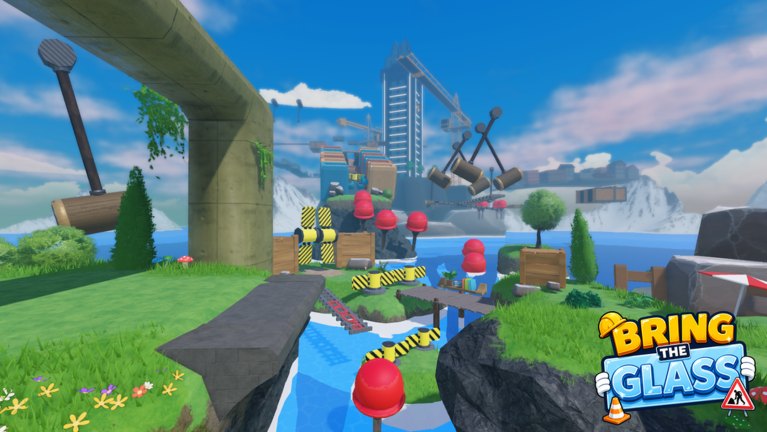
Tools on this wiki are pages you use during a run, not lore. Carry the Glass Together does not ship an in-game combo calculator. Your tools are a vocabulary, a pairing test, and a device checklist. The main sheet is callout sheet. The pre-climb list is session checklist. Everything below is how to use the hub without turning it into another guide clone.
If you need a walkthrough, leave this hub and open how to beat. If you need ranks, open the tier list.
What to keep on a second screen
- Callout sheet — Wait, Walk, counted Jump, Tilt, Hold, Now, Save?, Switch. Full layout on callout sheet.
- Pairing test — one plank jump with a stranger from how to find a partner. If they sprint, hop servers.
- Device check — game mode on TVs, jump-button lock on phones, no shift-lock mismatch. See controls and console support.
- Checkpoint rule — menus and codes only after a save. Checkpoints.
- Honesty check — no script GUI. If a tool needs an executor, it belongs on script safety, not here.
- Session checklist — statue-circle order of operations on session checklist.
Session setup (two minutes)
- Favorite the experience
- Pick a leader
- Read the core calls once
- Agree blue/left and red/right if it helps
- Decide whether voice is on
Then spawn at the statue and pick up the pane together. Do not start the hammer gantry as your first action of the night.
What this hub will not become
We will not add a fake damage calculator, a gacha simulator, or a “glass HP” meter. The pane is binary: intact or gone. We will not add a Robux ROI tool. The experience is free to play. If a shop appears in updates, we will describe prices in words, not in a spreadsheet that pretends math can save a stretch.
Using tools without looking down
The leader should not read this wiki while walking. Bank a checkpoint, glance, walk. The follower should not type in chat during Now. If you need the sheet, you needed a pause. The players / callouts page explains why long talk fails.
Print the callout sheet or keep it on a phone that is not the phone playing the game. Using the same touch screen for wiki and joystick is how people open a browser over water.
After a patch
If binds change, controls updates first. If a new prop appears, obstacles updates first. This tools hub only changes if we add another sheet (for example a lobby meeting point if the statue moves). Until then, the callout sheet is the tool.
Use it. Then look back at the pane.
Frequently Asked Questions
Quick answers for duos who keep shattering the pane.
Is there an interactive map?
Not in-game and not here yet. Use the overview screenshot plus how to beat segments.
Where is the callout list?
On the callout sheet and in callouts.
Do these tools work on console?
Yes. Keep the sheet on a second device. See console support.
Is a script a tool?
Not on this hub. See scripts.