Carry the Glass Together Console Support
The listing says console, PC, phone, and tablet — here is how to actually duo on a TV.
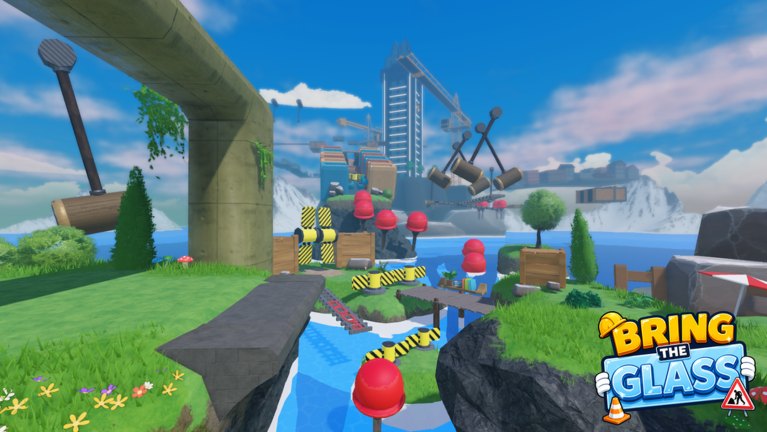
The Roblox listing for Carry the Glass Together advertises play on console, PC, phone, and tablet, with controller support. That is a real feature, not a rumor. This page is the practical layer: TV delay, stick sensitivity, and how a console player should pair with a phone player without shattering on the first plank. Bind details sit in controls. The parent log is updates.
If you are on console and cannot find the experience, search the exact title Carry the Glass Together and confirm the creator Ritronics Studios. Clone listings exist in this genre.
Why console feels different
A TV adds frames. A hammer cycle that is comfortable on a monitor becomes a late Now on a living-room screen. Turn on the TV’s game mode. Sit closer. Use a headset so the leader count is not bouncing off the kitchen. If you still jump late, let the monitor or PC player lead. That is not a skill issue; it is a display issue.
Controllers are good at Wait and Walk and less good at tiny camera nudges. Drop look sensitivity until you can track a mallet without yawing the pane into a striped cylinder. See the S-tier notes on obstacles.
Recommended console setup
- Third person, not first, on the gantry
- Jump on a face button you can hit while keeping the left stick still
- Headset
- Game mode on the display
- No party chat with five extra friends “watching”
Extra voices will talk over Now. Mute the audience or play when you can be the only call.
Mixed-platform duos
Console + PC: PC usually leads jumps; console can still call Wait if they see the hammer first on a big screen (rare). Console + phone: neither input is precise; take extra Hold time on beams and never sprint. Console + console: decide a leader anyway. Two controllers without a caller is still a B-tier pairing on duo roles.
Roblox accounts are the same. Favorite the experience on the account you play, not on a sibling’s profile, or checkpoints will feel haunted when you switch pads.
Menus on a pad
Redeeming codes uses the on-screen keyboard. Auto-capitalization breaks strings. Do this at a checkpoint. Joining the group may be easier on the Roblox mobile app, then return to console.
Do not open the Roblox overlay while the pane is over water. Overlay plus a stick drift is a river.
If console is missing a feature
Early beta can ship HUD differences. If your console build lacks a codes tab that PC has, believe the codes hub over a random thumbnail. Report missing buttons as feedback through official links. Do not install a PC script on a console. You cannot, and anyone selling that is scamming.
Session plan for a TV duo
Warm up on grass using Getting Started. Count three jumps. Bank a checkpoint. Then look at hammers. If the delay is ugly, stop after the opening and play on a monitor next time. The tower will still be there; this is a live experience, not a weekend demo that expires.
Console support is a win for couch co-op. Treat the couch like a precision hobby anyway. The pane does not care that you are comfortable.
Frequently Asked Questions
Quick answers for duos who keep shattering the pane.
Is controller support official?
Yes. The Roblox listing states controller support and console play.
Why do I jump later than my PC friend?
TV delay. Use game mode and a headset, or let them lead counts. See controls.
Can two people play split-screen on one console?
This is a Roblox online 2-player obby, not a local Steam split-screen port. Use two accounts or two devices.
Are console codes different?
Strings should be the same if a codes feature exists. Keyboard caps still matter. See how to redeem.